Trade Faster with Blazing Extension
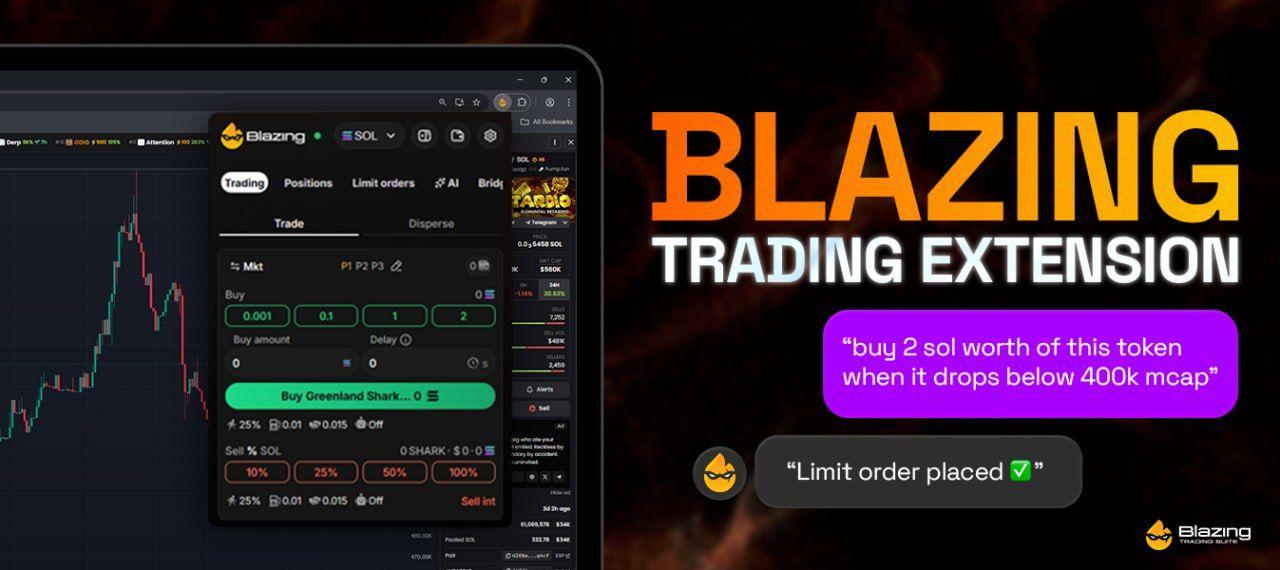
Fast Setup and Simple Use
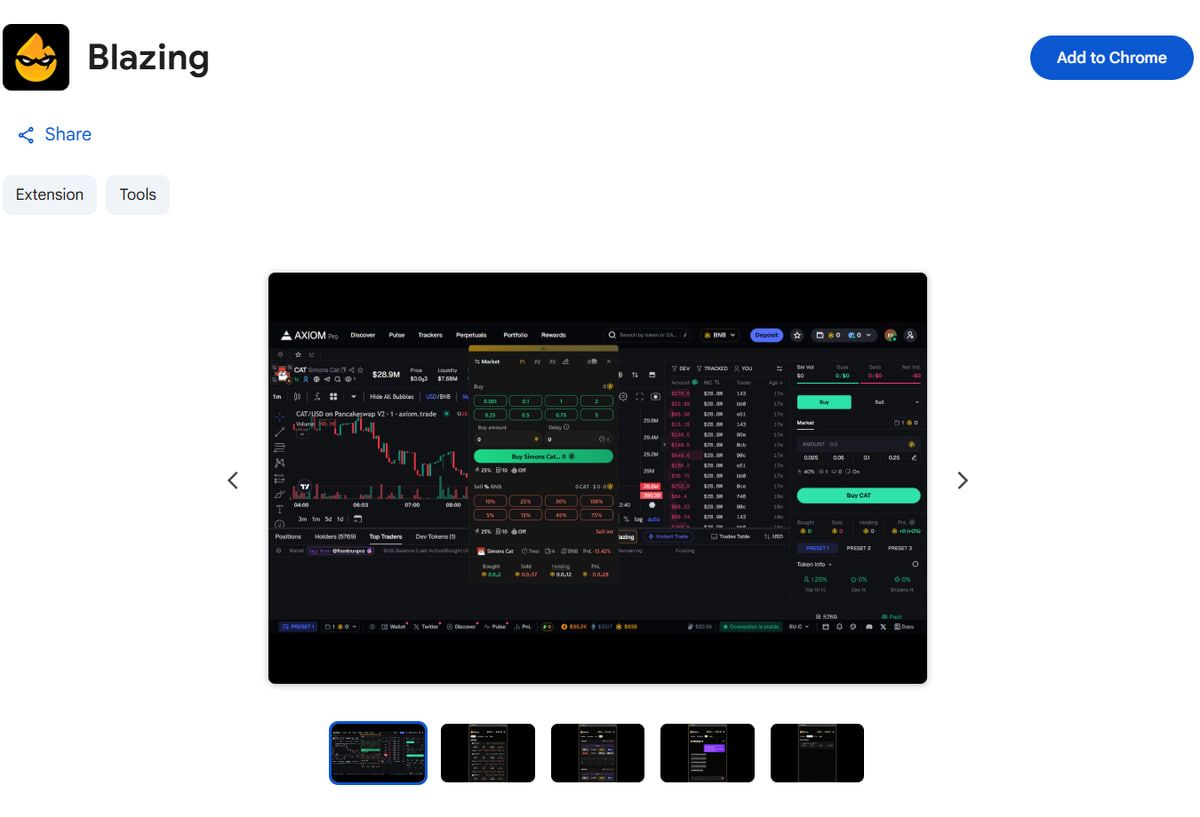
Blazing Extension works directly on your favorite platforms. You get an instant interface for buying or selling. The tool gives you a clean way to manage positions and limit orders. You start by adding the extension to your browser.
- Install Extension from Chrome Web Store
- Log in to your Blazing Account via Telegram
Get the Extension → https://chromewebstore.google.com/detail/blazing/cmoojdpccibbmgchghdibmmmfcehpine
Trade with Many Wallets

You manage up to 20 wallets at once. The wallet menu lets you create new wallets or delete old ones. You rename wallets and copy addresses easily. This feature allows you to distribute funds or collect balances in seconds.
Precise Limit Orders and Speed

Blazing offers high accuracy for limit orders. You set target profit or stop loss levels. The system executes trades when price targets hit. You also get buy below or buy breakout orders. Transactions run fast and stay consistent.
Bridge and Cross-Chain Buys
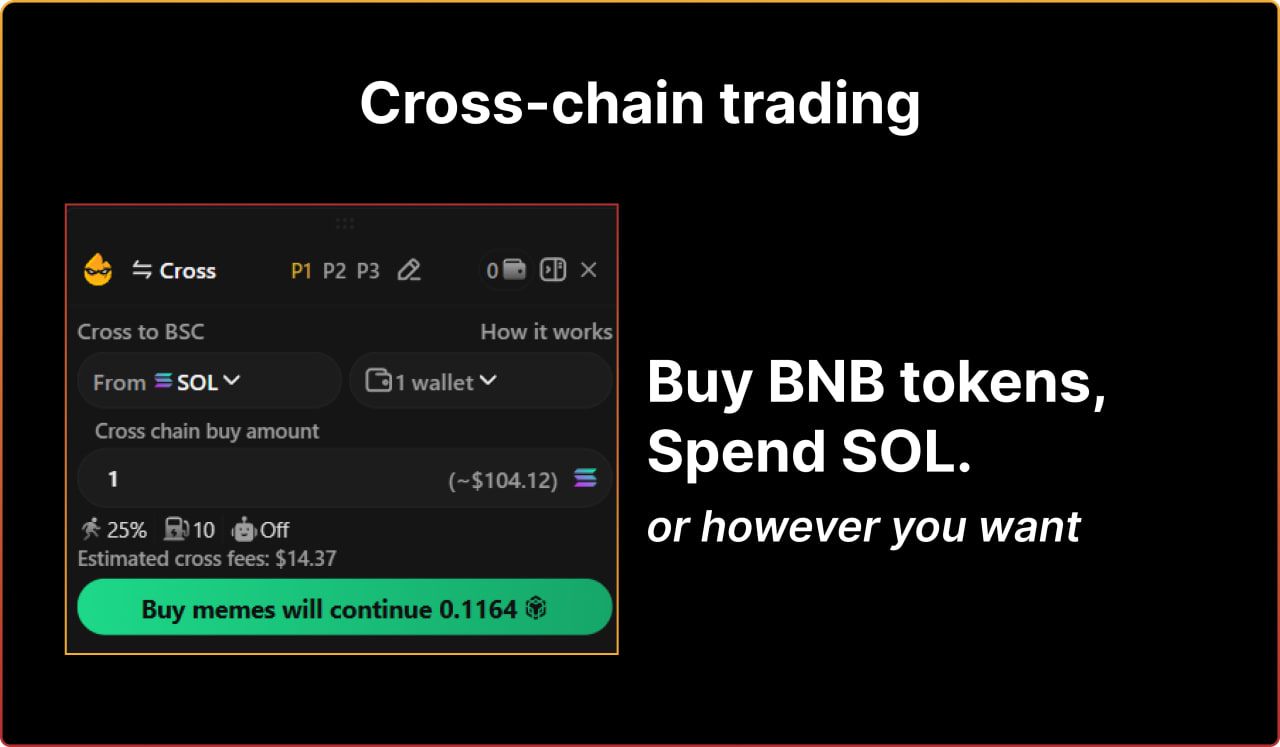
The extension supports 9 chains and 50 decentralized exchanges.
- Bridge funds between chains with a few clicks.
- Buy tokens on one chain with funds from another chain.
- Bridged funds appear in your wallet within seconds. You select the source chain and wallet to send funds.
Trade Using Natural Language
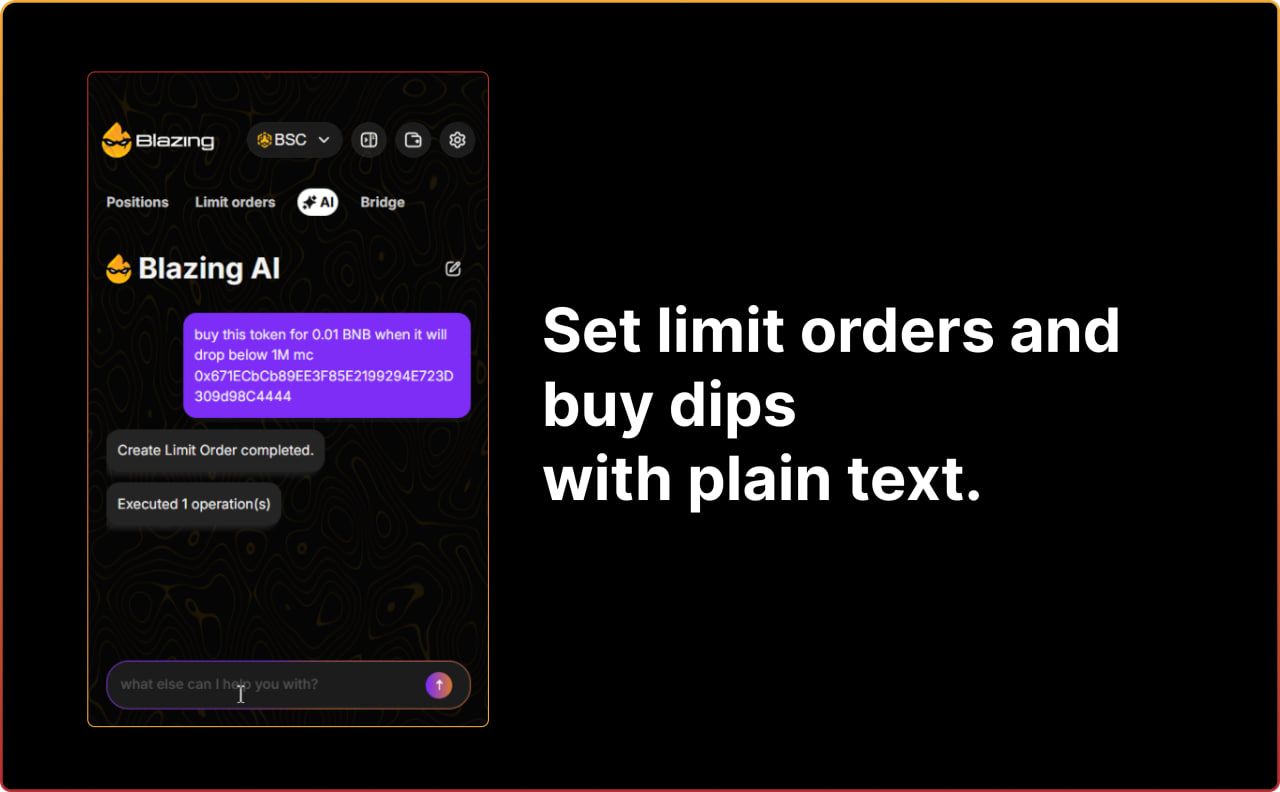
Blazing AI follows your text commands.
- Create limit orders by typing.
- Ask the AI to buy or sell tokens.
- Tell the tool to bridge funds across chains. The AI executes complex actions from simple sentences.
Use Your Favorite Platforms
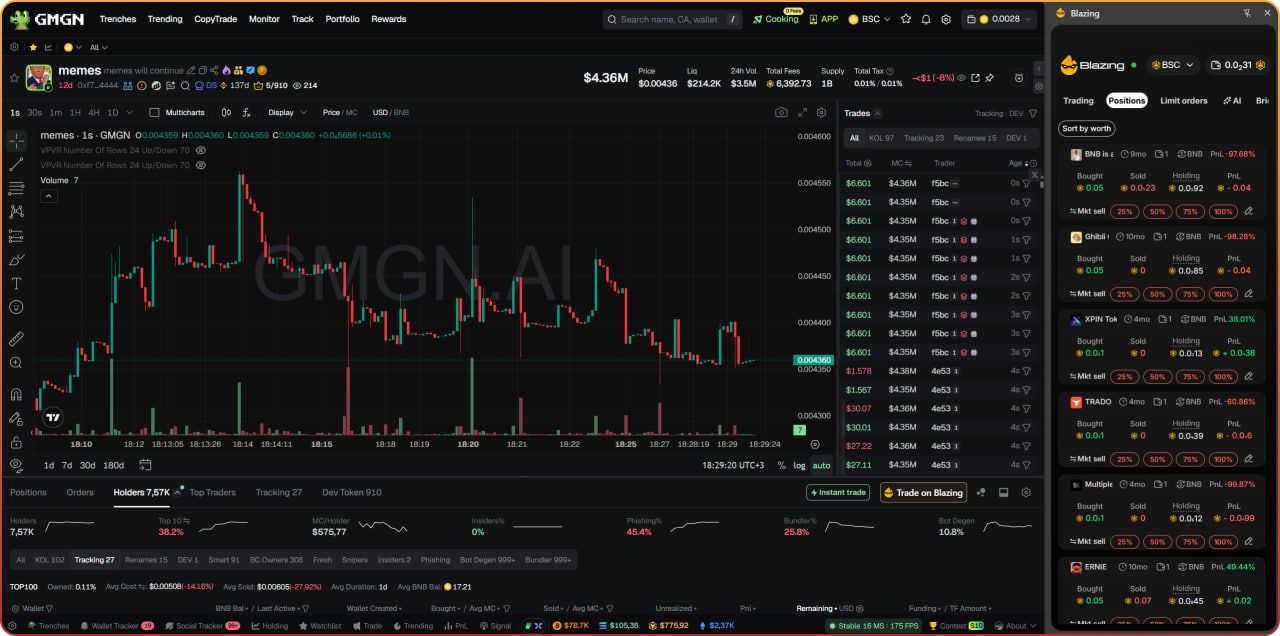
You trade without leaving your preferred sites. The extension works on:
- GMGN
- Dexscreener
- Axiom
- Trojan
- Terminal Padre
Click the Trade on Blazing button to open the panel.
Get the Extension → https://chromewebstore.google.com/detail/blazing/cmoojdpccibbmgchghdibmmmfcehpine
 Join our community